MLGFIX

Dual sense edge back cover

Price on request

In stock

We fit parts in-house, or supply them for collection. Message us for availability and a price.

Category: Playstation
Details

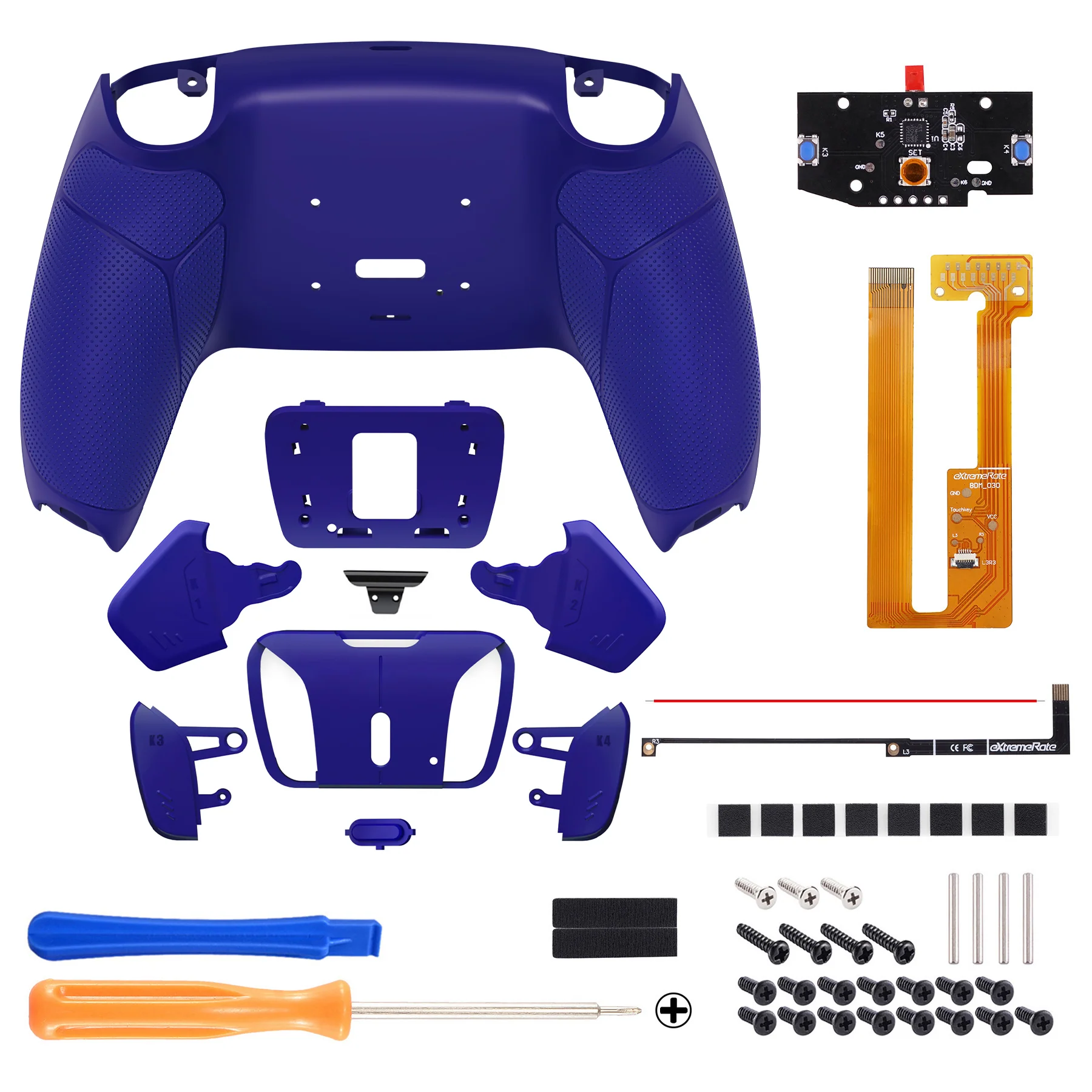
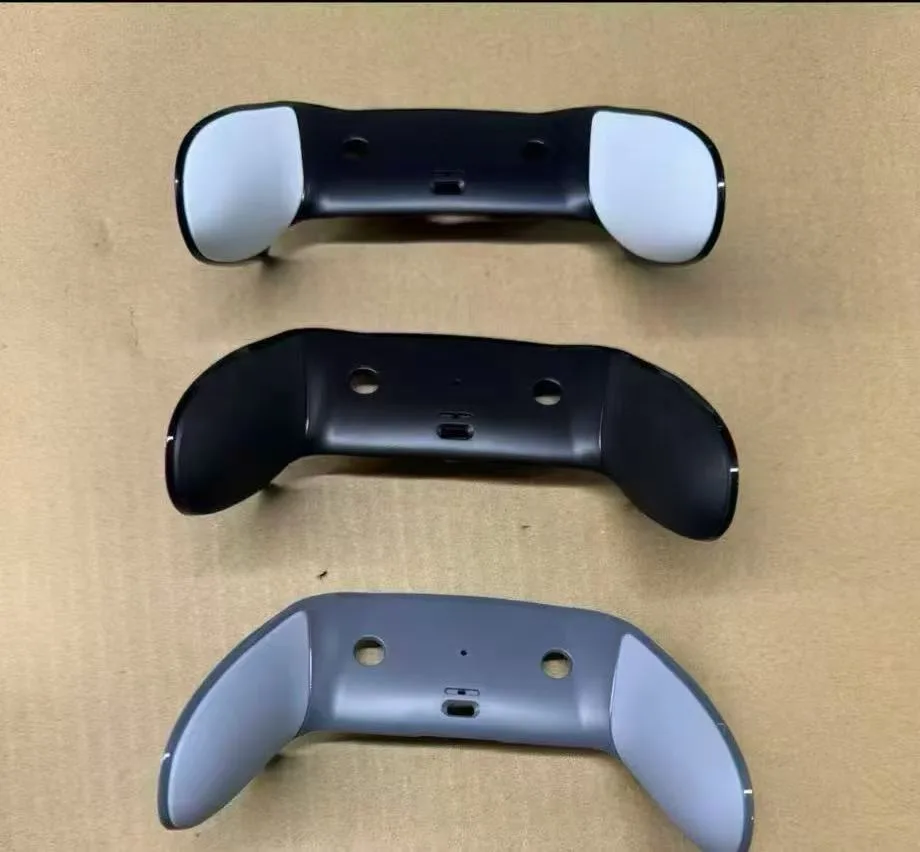
The back cover (rear case) of the DualSense Edge is a replaceable part. It's a common fix for issues like peeling, yellowing, or wear on the rubberized grips, and you can also swap it for a custom look. 🛠️ Replacement Options There are two main paths you can take for replacing the back cover: Simple Snap-On Cover (OEM Style): This is a direct replacement for the original back cover. It's designed to look and feel like the original, with a two-tone construction of hard plastic and a soft rubber grip. Pros: Restores the original feel and texture, easy installation, affordable way to fix wear and tear. Cons: Quality and fit can vary between brands; some users report a perfect fit, while others mention small gaps or a slightly different texture. What's Included: Typically comes with the replacement cover and an opening tool for removal. Custom Full Shell Kit: This is for a more extensive transformation. These kits include replacement parts for the back cover, front trim, and often buttons and touchpad. Pros: Allows for a complete custom look (e.g., changing the color to black). Parts are generally designed to fit flush and work precisely. Cons: More complex installation. Reviewers note the process can take several hours and may require additional tools like tweezers and patience to manage springs and small parts. 🔧 Installation Overview Replacing the back cover is a DIY-friendly project if you're careful. Here’s the general process, according to iFixit: Remove the Front Trim: Slide the release tab to the left to detach the front faceplate. Take Out the Joystick Modules: Lift the metal levers and slide the joystick modules out of their slots. This makes the rest of the process much easier. Detach the Back Cover: Use an opening pick (often included) to carefully pry along the edges and release the plastic clips holding the back cover in place. Work slowly to avoid breaking the clips. Reassemble: Snap the new back cover on, reinsert the joystick modules, and reattach the front trim. Important Note: The back cover is held by fragile plastic clips. If you feel resistance while prying it off, stop and check for any clips that may have re-engaged. Forcing it can break them. Most simple snap-on covers promise a repair time of under 5-10 minutes, while a full-shell custom kit can be a more involved project taking a few hours. If you'd like more specific guidance for a particular model or installation step, feel free to ask